Getting Started with Raven
Written By Yuri P.
Raven is your competitor radar. It watches the brands and creators you choose and surfaces every new ad and post they launch, so you can study their testing, hooks, offers, and landing pages without manually digging through the Meta Ad Library or scrolling feeds.
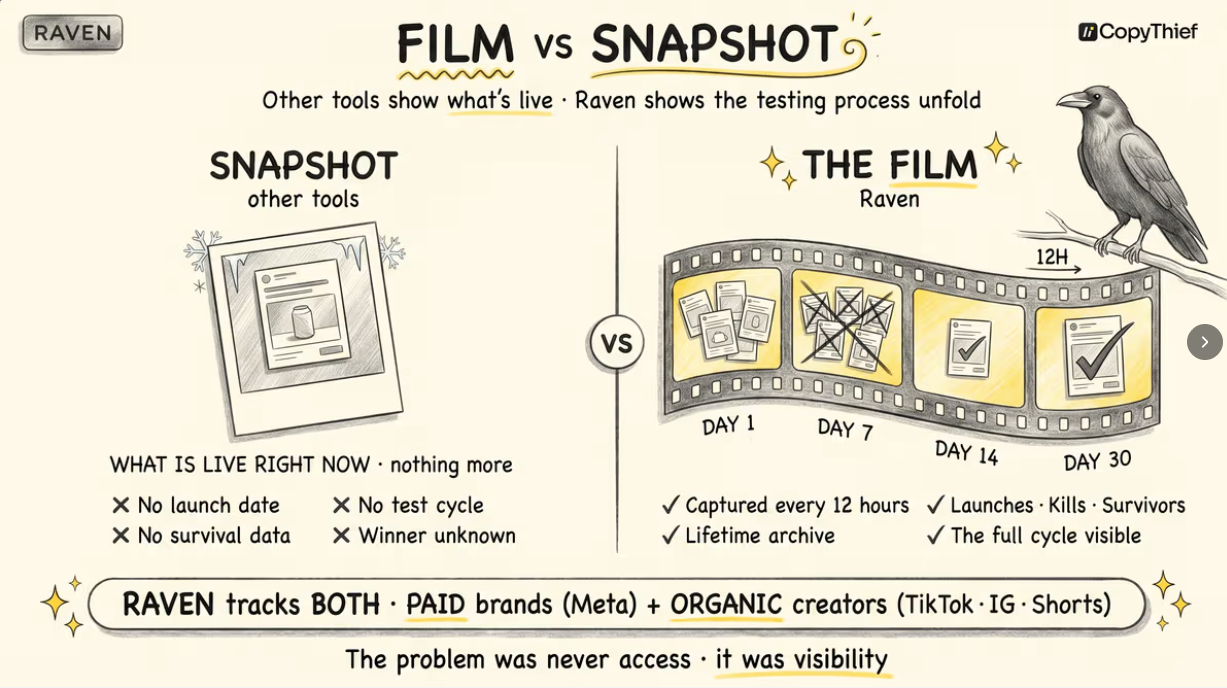
The Watchlist is home
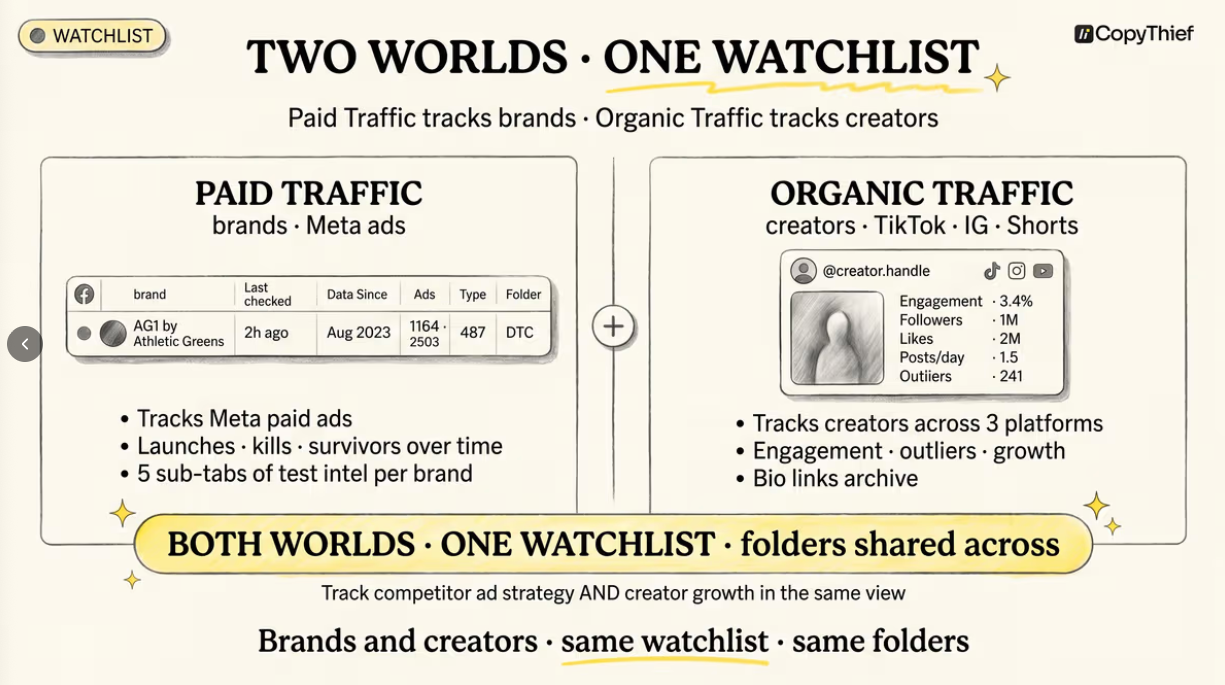
When you open Raven you land on the Watchlist.
At the top are two tabs that split everything Raven tracks:
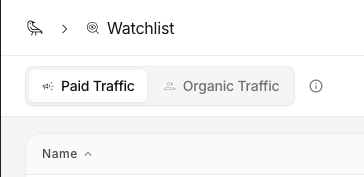
Paid Traffic (brands running Meta ads)
Organic Traffic (TikTok and Instagram creators).
A slot counter in the top bar shows how many of your tracked slots are used (for example, 74 / 100), and the yellow button in the top-right corner adds something new to whichever tab you’re on.
On the Paid Traffic tab, each tracked brand is a row in a table with columns for:
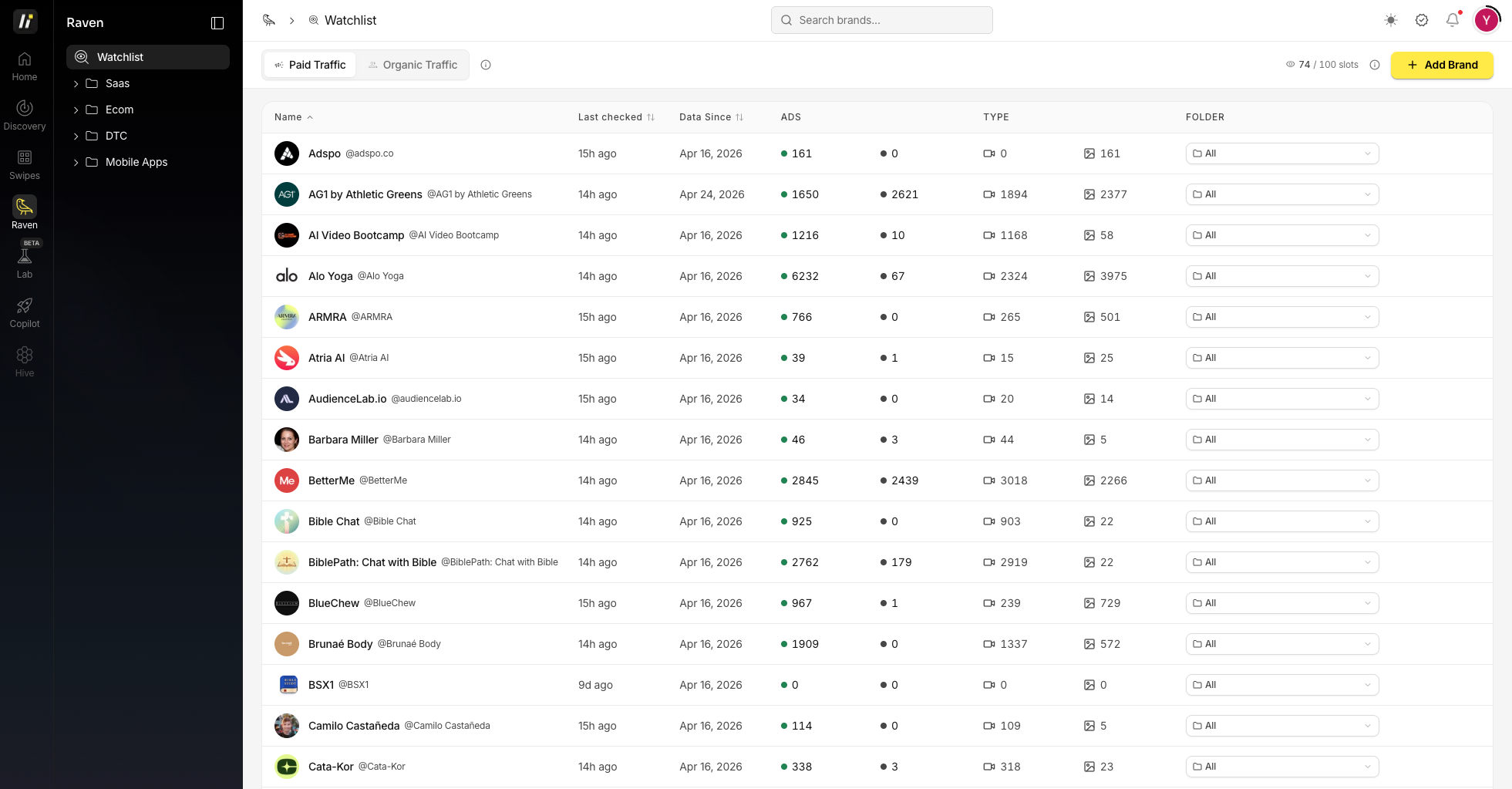
Last checked, Data Since (how far back Raven’s history goes)
ADS (active and inactive counts)
TYPE (a breakdown of video vs. image creatives)
Folder assignment.
You can organize brands into folders in the left sidebar (for example, Saas, Ecom, DTC, and Mobile Apps) to keep your competitors grouped.
Adding your first brand
Click the Add Brand button in the top-right corner to open the “Start Spying on Competitors” window. You have two ways to add a brand:
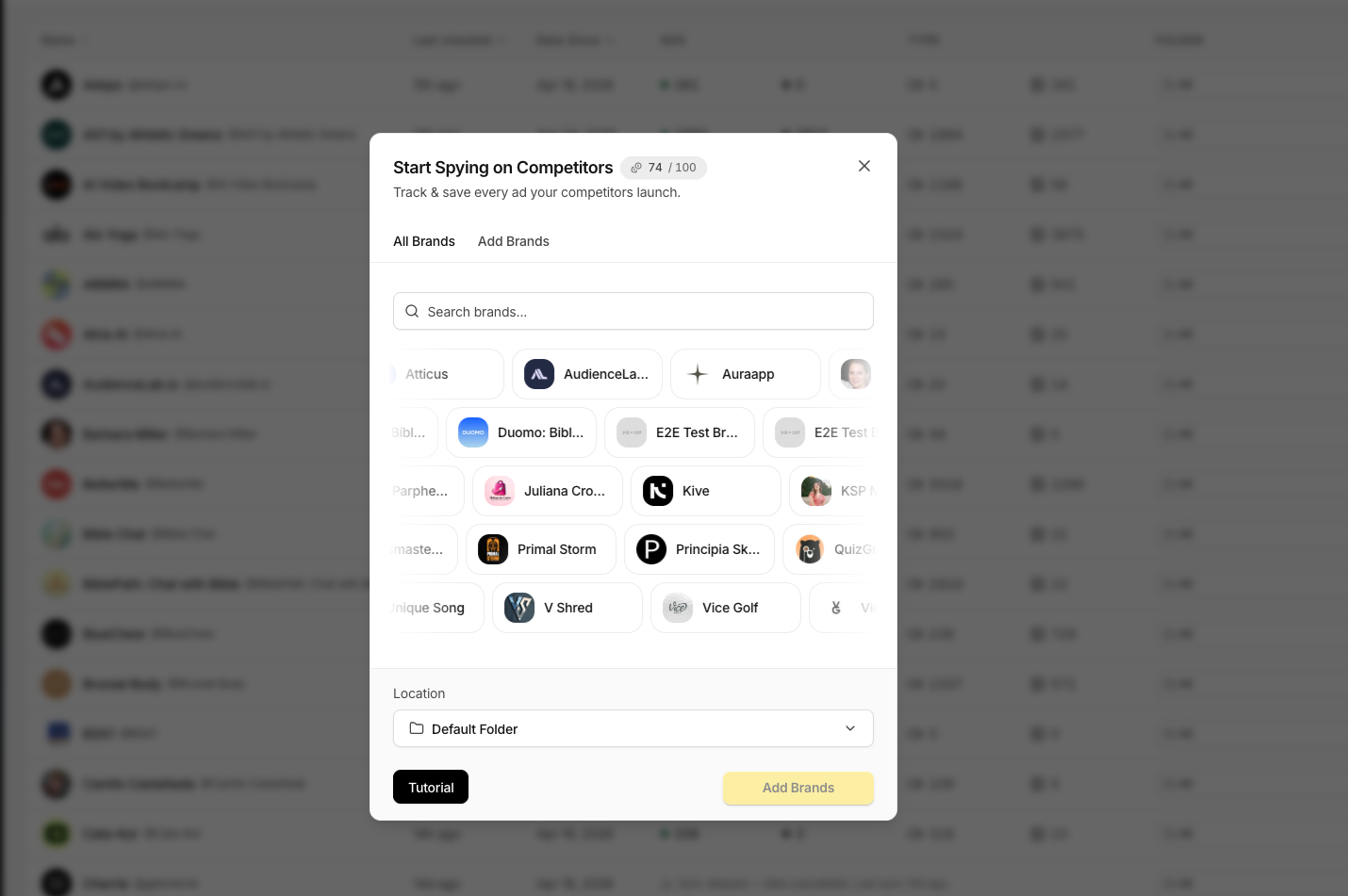
All Brands - browse Raven’s existing database and click a brand to add it. If it’s already tracked, you inherit its historical data instantly.
Add Brands - paste a Facebook Ad Library URL, Page ID, or ad ID, or search by brand name to add one that isn’t in the database yet.
Pick a folder using the Location selector, then confirm.
Manually added brands start collecting data right away - it can take a few minutes for their active ads to load in.
What’s inside a brand
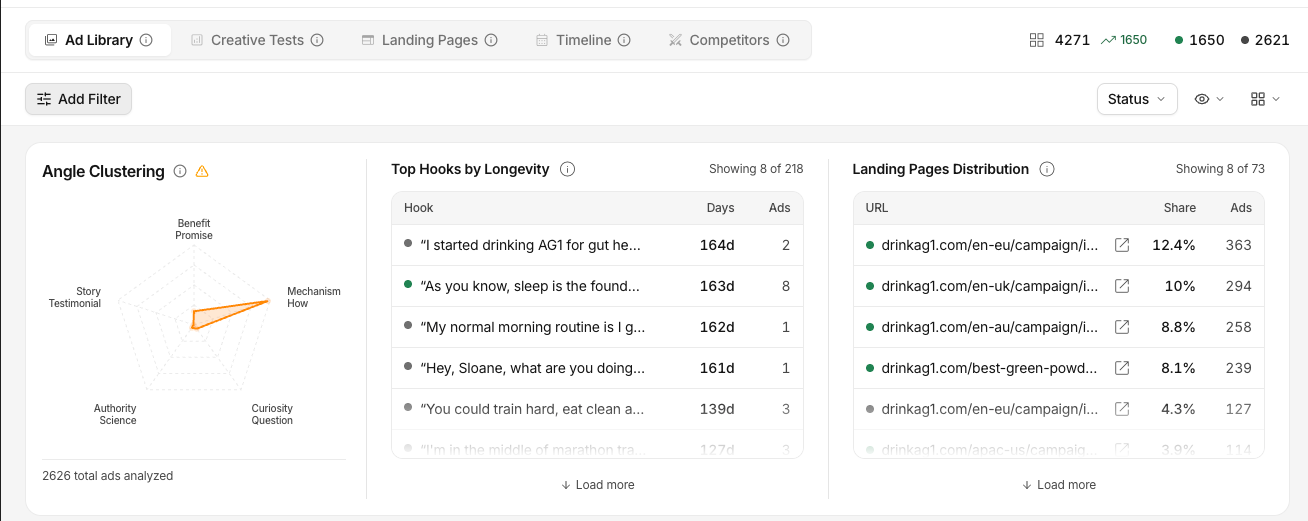
Click any brand on the Watchlist to open it. A brand page has five tabs:
Ad Library - every ad the brand is running, live and historical, with filters and a Top Hooks by Longevity widget.
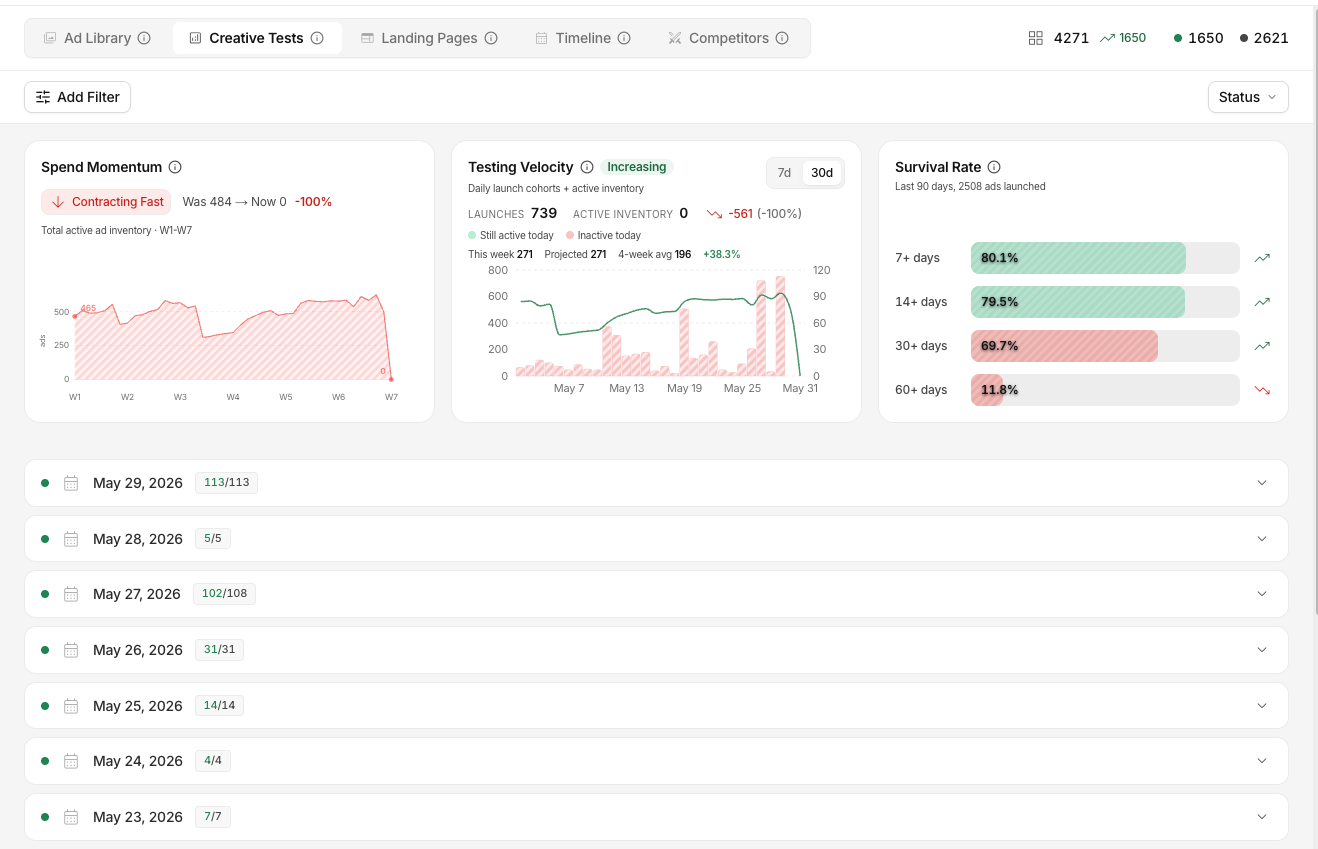
Creative Tests - ads grouped by launch date so you can see which tests they kept on and which they killed, plus Spend Momentum, Testing Velocity, and Survival Rate analytics.
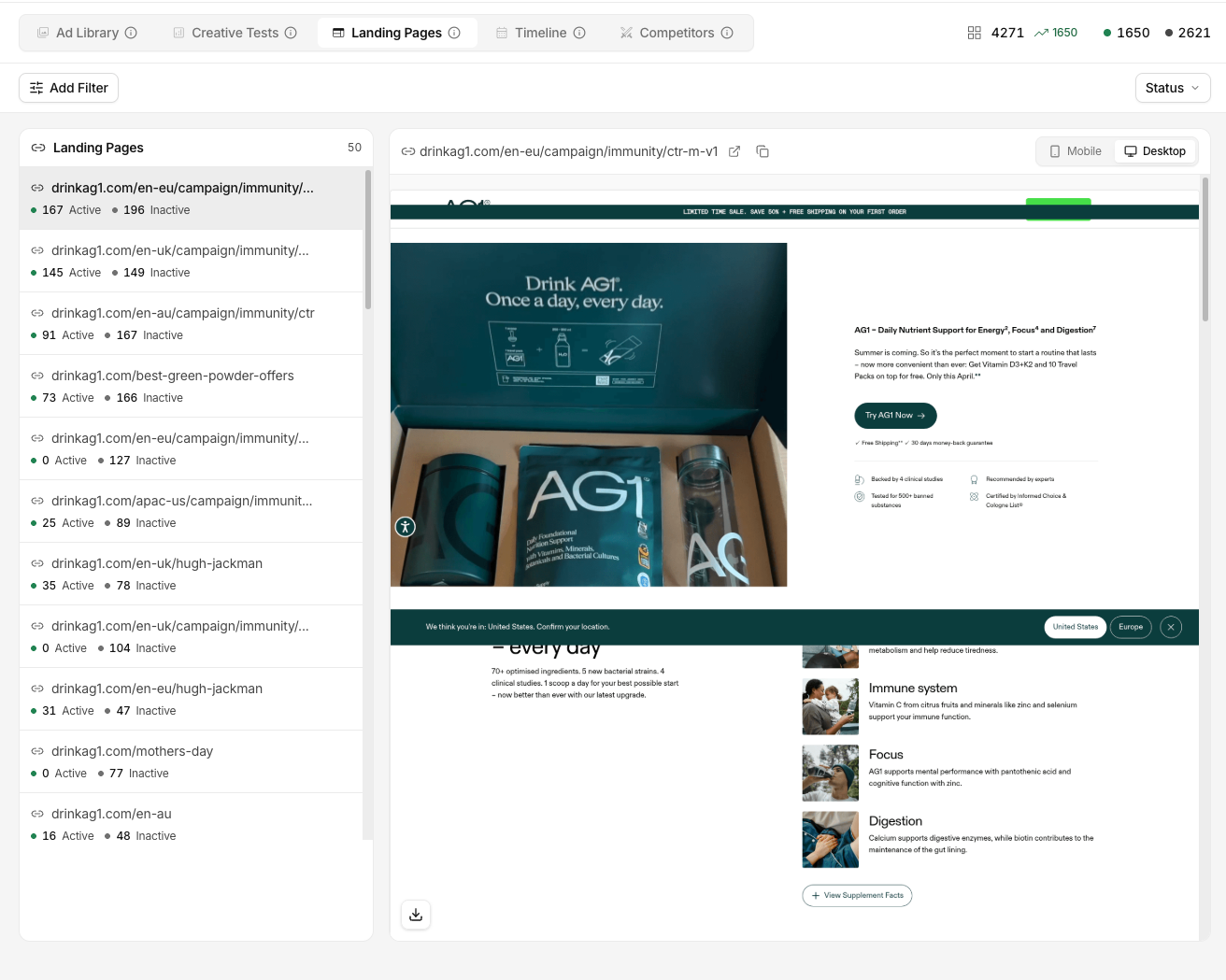
Landing Pages - every destination they’re sending paid traffic to, with mobile and desktop screenshots.
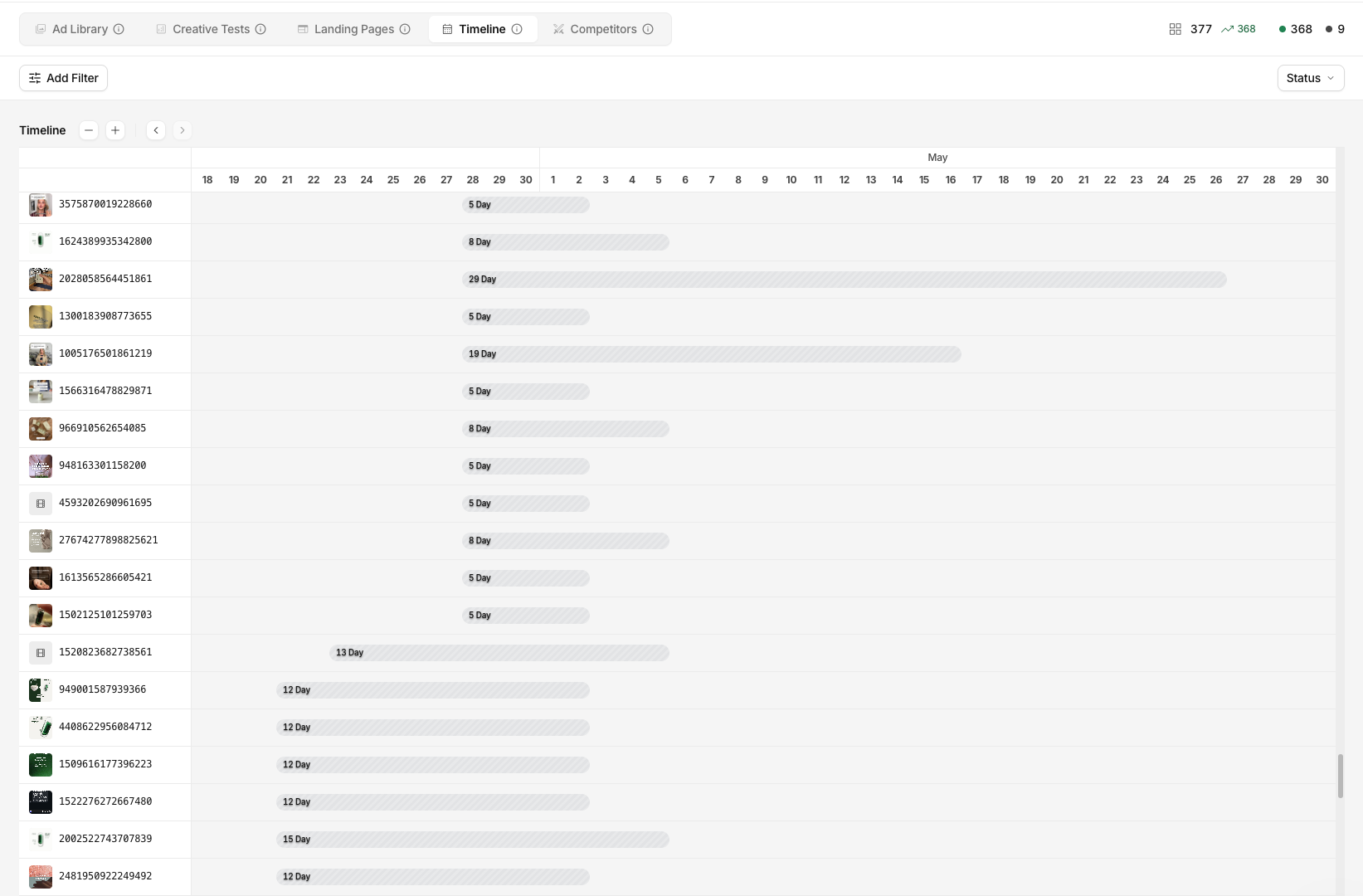
Timeline - a historical, Gantt-style view of every creative launch over time.
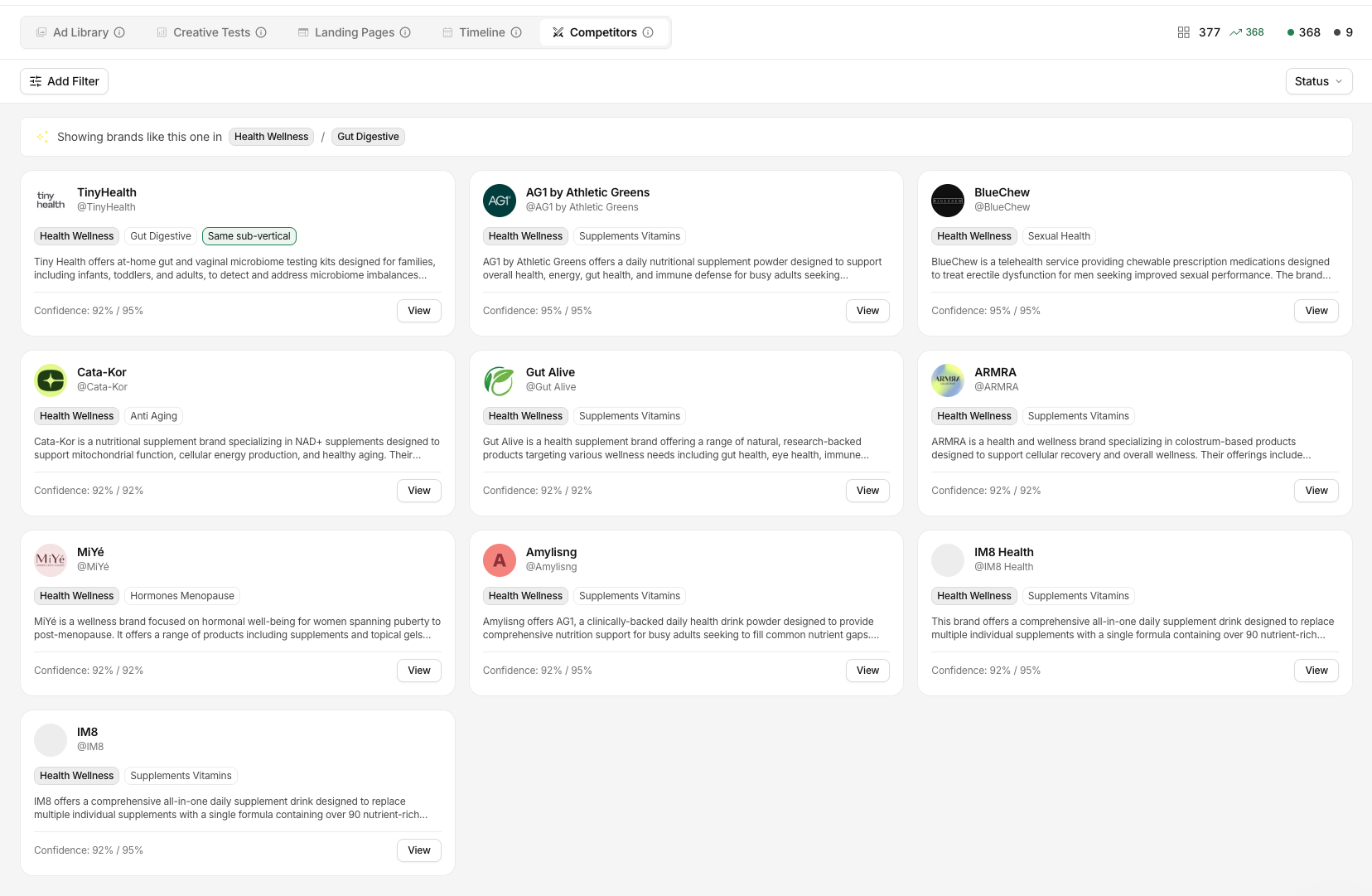
Competitors - Raven-suggested similar brands in the same vertical, each with a confidence score and a View button to open them.
Tracking creators (Organic Raven)
Raven also tracks organic creators on TikTok and Instagram.
Switch to the Organic Traffic tab on the Watchlist to follow influencers, watch their follower growth, and surface their breakout posts.
See the Organic Raven articles for the full walkthrough.
FAQ
How often does Raven check for new ads?
Every day. New creatives and posts show up automatically, so you don’t have to check manually.
How many brands and creators can I track?
It depends on your plan. Your Watchlist shows a slot counter (for example, 74 / 100) so you always know how many slots are left. See Billing & Subscription for your plan’s limits.
Can Raven track any brand?
Raven can track any brand running ads on Meta’s platforms, regardless of niche. If a brand has been tracked before, you also inherit its historical data.