Tags & Ratings
Written By Yuri P.
Boards and Folders are how you organize.
Tags + ratings are how you find your winners when you have 500 saves and a Monday morning.
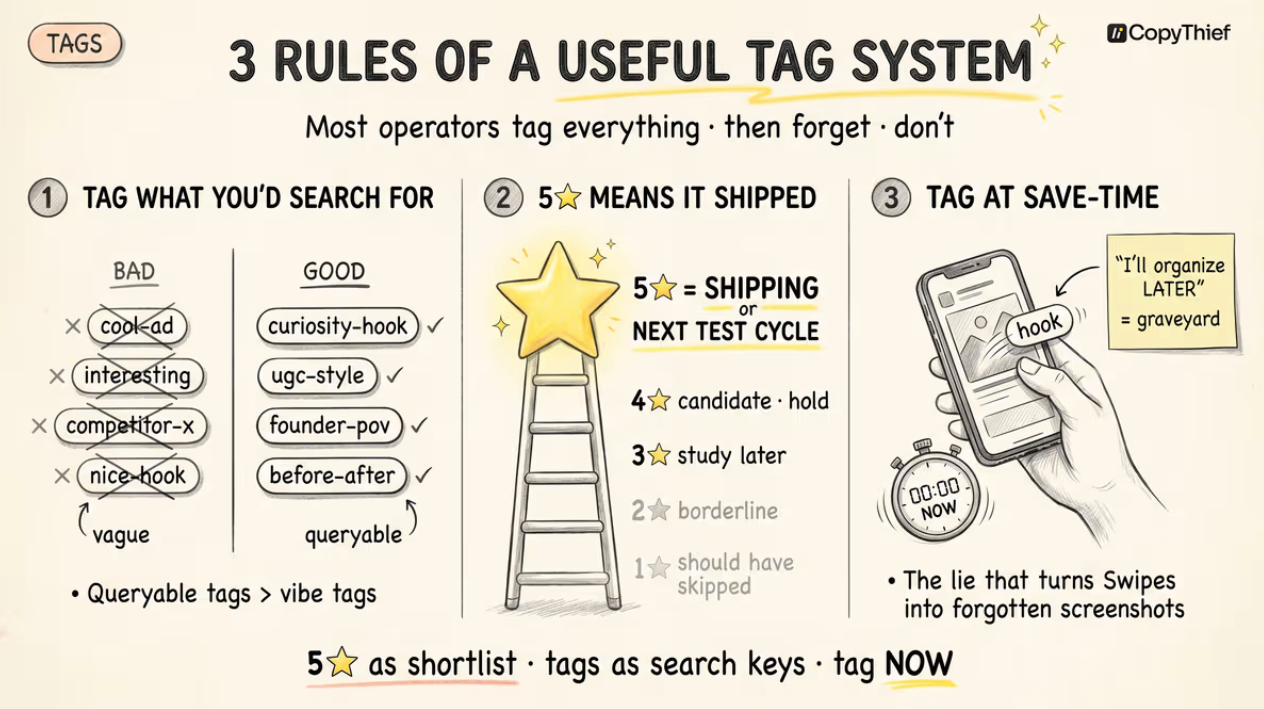
How to tag and rate
Open any ad drawer
2. Click the stars to set a rating (1–5)
3. Click the tag field below the rating
4. Type a tag → press Enter to add
5. Click any existing tag → click ✕ to remove
Auto-saves on every edit. There’s no Submit button. There’s also no undo — if you misclick, re-add manually.
A useful tag system has 3 rules
Most operators tag everything “good” and never look at it again. Then forget what they tagged. Then stop tagging entirely. Don’t do that.
Rule 1: Tag by what you’d search for, not by what the ad is.
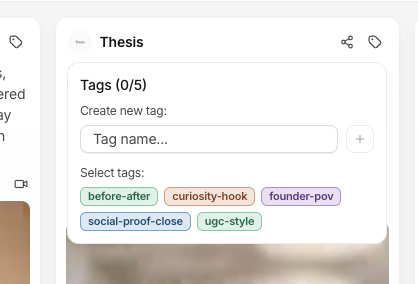
Bad: cool-ad, interesting, competitor-x, nice-hook
Good: curiosity-hook, ugc-style, founder-pov, before-after, social-proof-close
The good tags are queryable. The bad ones describe vibes.
Rule 2: 5★ means it shipped or it’s next.
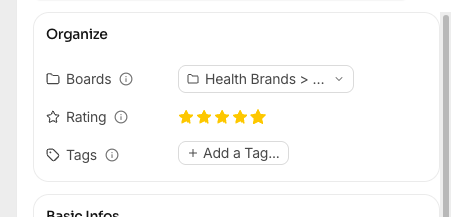
Not “I liked it.” Not “this is good.”
5★ is your shortlist for the next test cycle. If you have 80 ads at 5★, the rating means nothing.
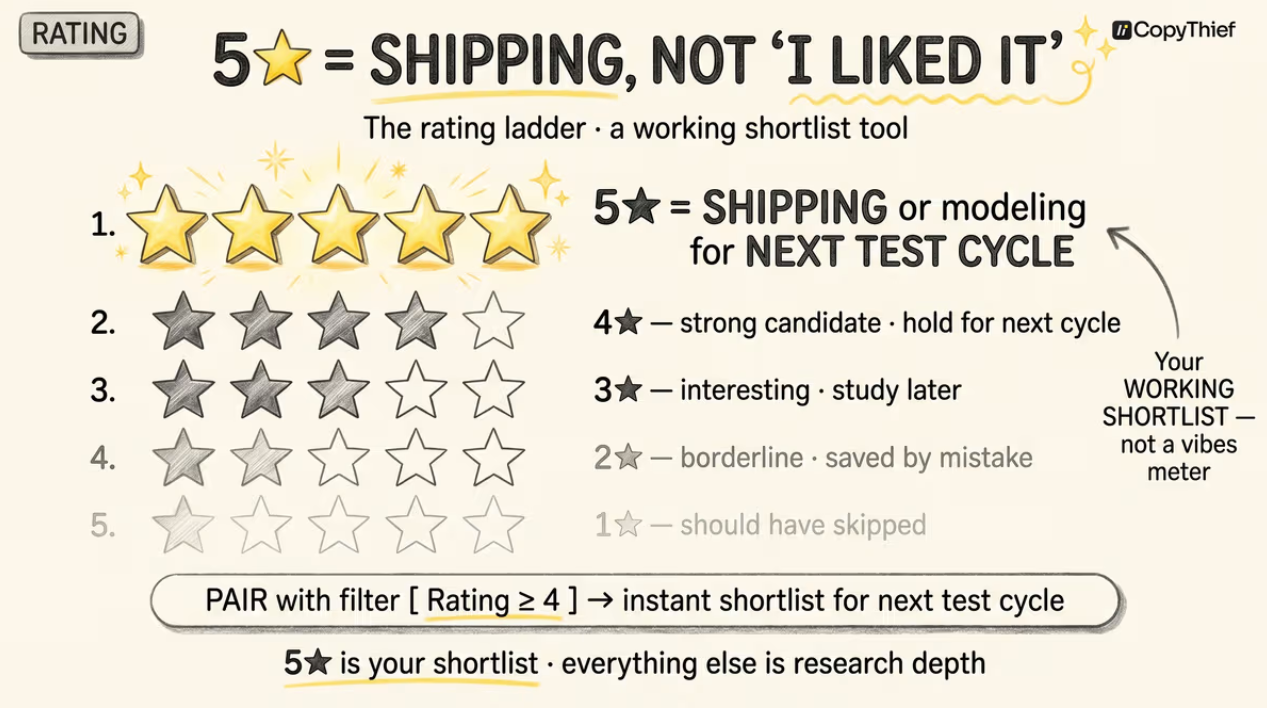
Suggested scale:
5★ - shipping this or modeling for next test
4★ - strong candidate, hold for next cycle
3★ - interesting, study later
2★ - saved by mistake / borderline
1★ - should have skipped (or use as kill candidate when filtering)
Rule 3: Tag at save-time, not “later.”
The “I’ll organize later” lie is how Swipes becomes a Pinterest board you stop opening. Tag the moment you save.
5 seconds upfront vs. 5 hours of cleanup later.
How to actually use this
Combine with Filters & Sorting:
5★ + Tag: Hook + last 30 days → shortlist for next week’s hook test
5★ + Tag: Ugc + board:competitors → competitor UGC patterns worth modeling
Untagged + last 7 days → your “I forgot to tag” pile, clean it up Friday
Pro tip: Build a “saved-but-not-tagged” board automatically by filtering for no-tags + last 7 days. Make Friday’s hygiene a 10-minute session.
FAQ
Can I bulk-tag a set of ads?
Filter to the set you want → select all → bulk tag from the action bar.
Are tags shared with my team?
Yes. Tags are workspace-wide. If a teammate tags an ad, you see the tag. Useful for collaborative pattern hunting.
Can I export tags?
Yes - bulk download with CSV (metadata) option includes all tags. See Manual Upload & Bulk Download.