Manual Upload & Bulk Download
Written By Yuri P.
CopyThief captures ads automatically through the Chrome extension.
But for ads you already have saved, or content from outside Meta, you can upload files directly.
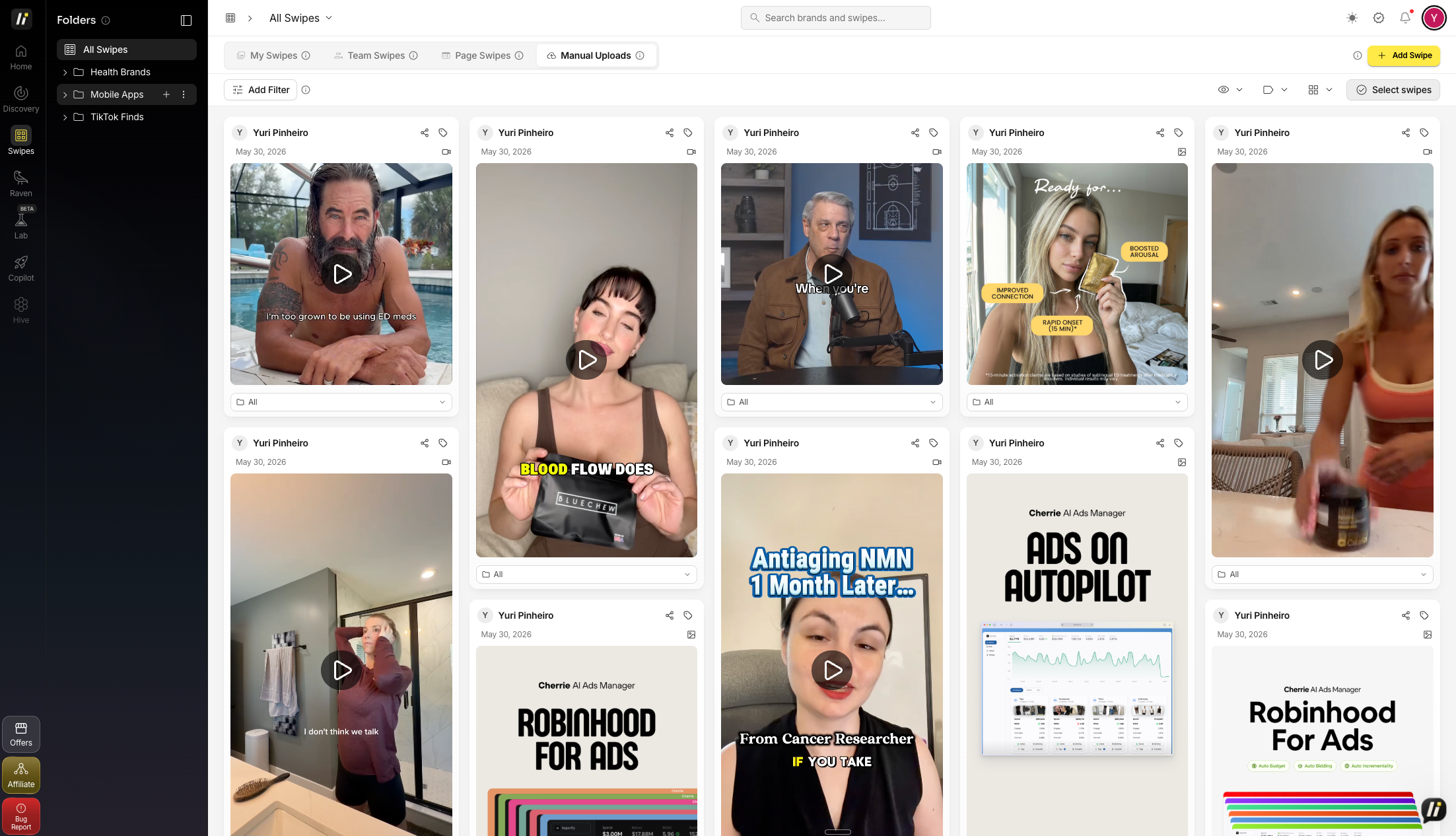
Manual Upload
Go to Swipes
Click Manual Uploads
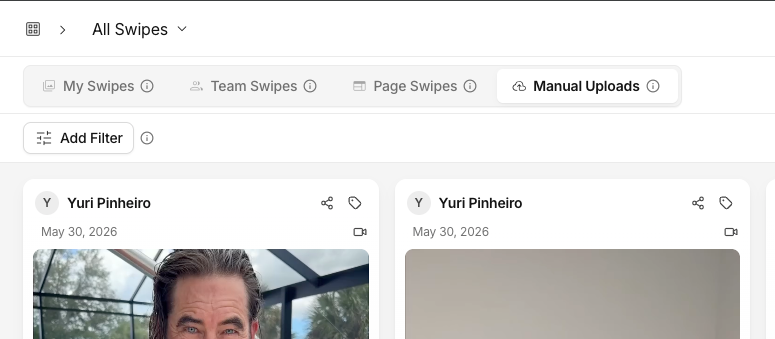
Click “+ add swipe”
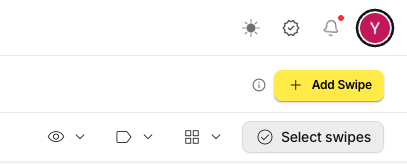
Select files from your computer
Add the Ad details
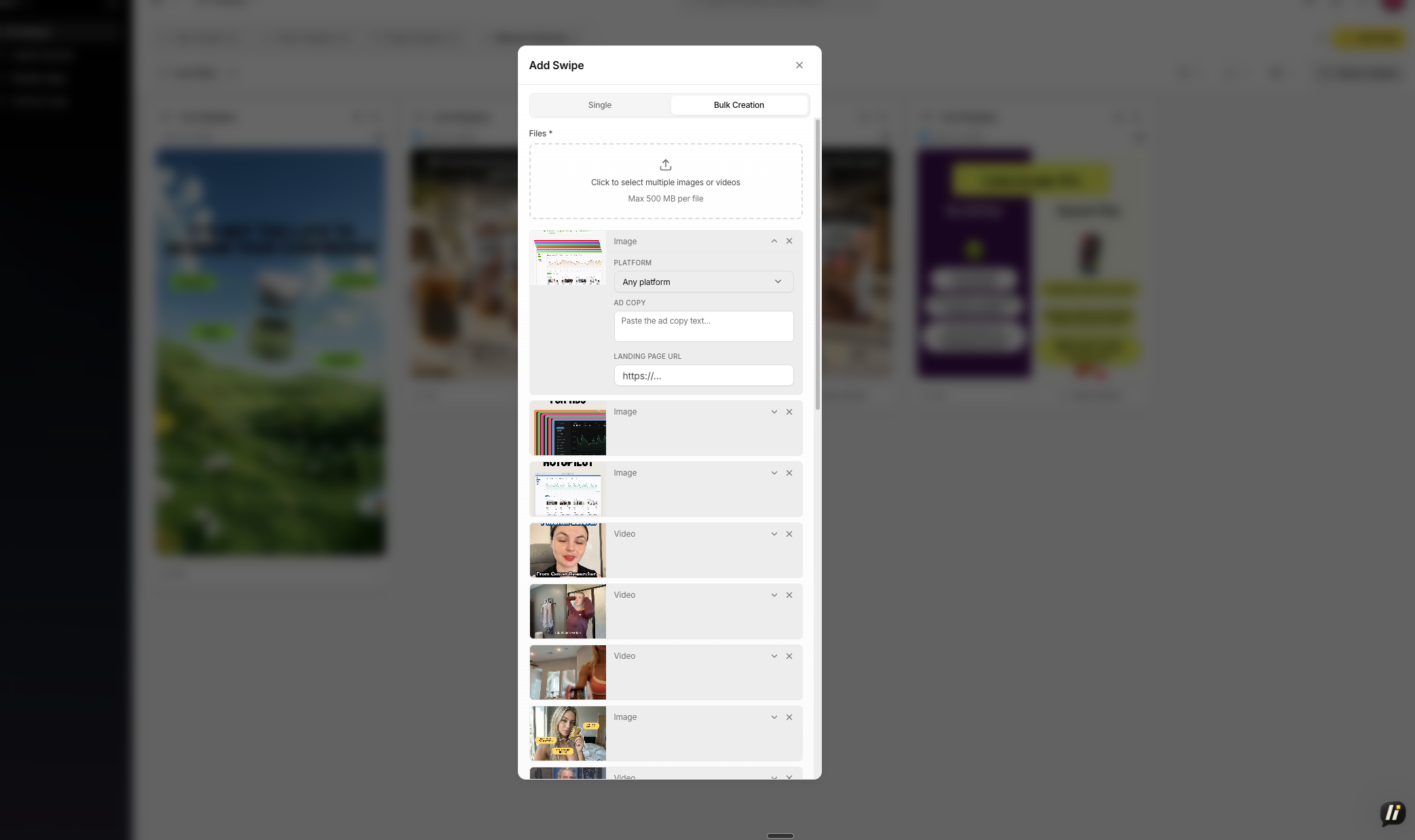
Platform (optional)Any platformAny platformMetaInstagramTikTok
Ad copy (optional)
Landing page URL (optional)
Supported formats: MP4, MOV, JPG, PNG, GIF. Files are added to your Swipes library like any other saved ad.