Download & Deleting
Written By Yuri P.
You can download or delete any ad from your Swipes library. Here’s how both work.
Downloading a single ad
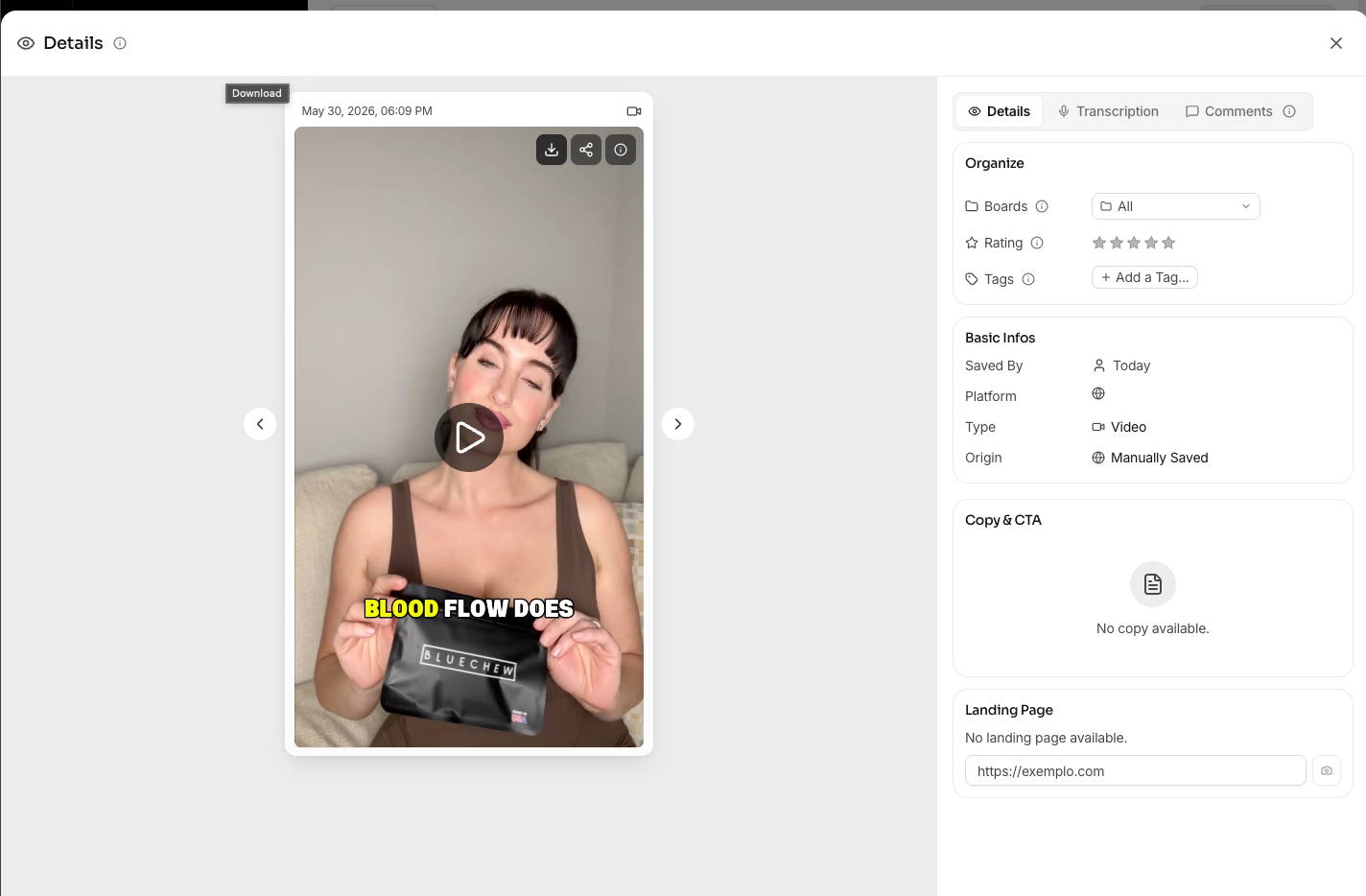
Open the ad
Click the Download icon in the top-right of the panel
Choose your format (video file or image)
The file saves to your default downloads folder
Deleting a single ad
Open the ad
Click the trash Icon
Confirm. The ad is removed from your library permanently.
Deleting multiple ads
Select multiple ads using “Select Swipes”
Click Delete Selected
Confirm. This is permanent and cannot be undone.
Important notes
Deleting from your library does not affect the original ad on Meta or any other platform. If the ad was shared with a teammate, deleting it from your account removes it from your view only not theirs.
FAQ
Can I recover a deleted swipe?
No. Deletions are permanent. There is no trash or recycle bin.
Can I download carousels?
Carousels download as individual image files in a ZIP.