Search Swipes
Written By Yuri P.
Search lets you find any saved ad by keyword, brand name, transcript content, or tag.
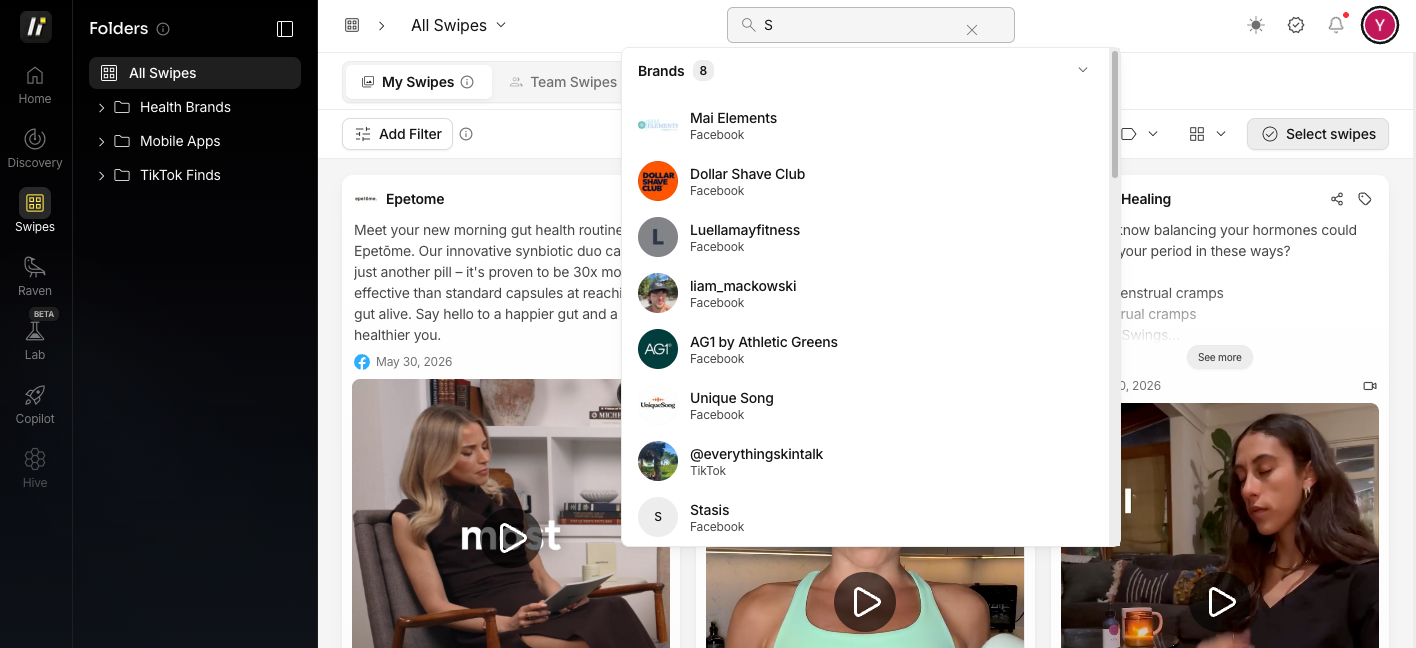
How to search
Click the Search bar at the top of Swipes
Type your query
Results filter instantly
What you can search
Brand name: find all ads from a specific brand
Tags — filter by any tag you’ve applied
Combining search with filters
Use search and filters together to narrow results. For example: search “protein” + filter by Rating: 5 stars - shows only 5-star protein ads.
FAQ
Can I search across all boards at once?
Yes. The default search covers your entire Swipes library unless you’re inside a specific board.